Free certificate template: HTML and PDF to copy
Published 2 min read
Free template
Use this template for free
Create a free account, click New template in the portal and pick it from the gallery. Then send your own data from the API.
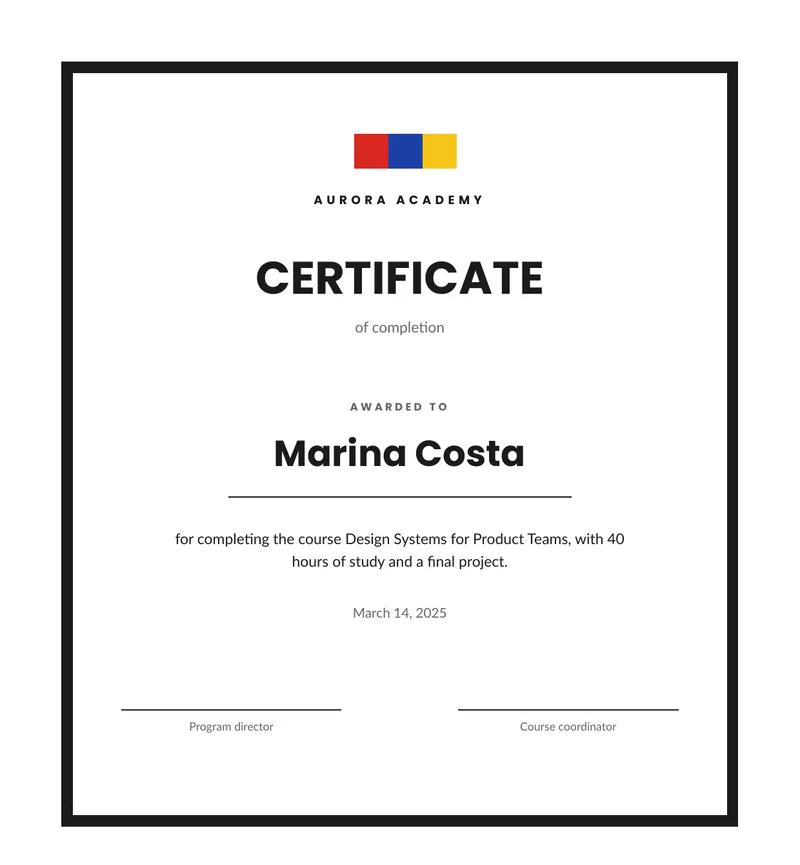
A certificate is the same page with a different name on it, which makes it a good fit for a template. This one is a framed certificate of completion in HTML and CSS. You fill in who received it, why and when, and you get a PDF ready to send. Below you can download the sample PDF, copy the code and see the data it takes.
What is in the template
- A thick frame around the page and three small shapes at the top.
- The name of the organization in spaced capitals.
- The title, “Certificate”, with a line below it such as “of completion”.
- The recipient, in large type, with a line under the name.
- The reason, a sentence you write for each person.
- The date, written in the long form of the reader’s language.
- Two signature lines, for example for a program director and a course coordinator.
How to use it
In the portal. Create a free account, click New template and pick the certificate from the gallery. You get a live preview and can edit it with blocks or as code.
From the API. Download the HTML and the sample data and send both in one request. This
example uses jq to put the files in the body:
curl -X POST https://api.rustedf.com/v1/render \ -H "Authorization: Bearer $RUSTEDF_KEY" \ -H "Content-Type: application/json" \ -d "$(jq -n --rawfile html certificate.html --slurpfile data certificate-data-en.json \ '{html: $html, data: $data[0], locale: $data[0].locale}')" \ -o certificate.pdfIssuing many certificates
A certificate is one render with the data of one person. To issue a hundred, send a hundred
requests with a different recipient and reason each time, from a loop in your own code. A
successful render costs one credit and a failed one costs nothing, so you pay only for the
certificates that were actually produced.
Make it yours
- Recipient and reason. These two fields change for every certificate. Keep the reason to a sentence or two so it fits the width of the block.
- Frame and colors. The frame is a plain border in the CSS, and the three marks at the top are
colored boxes. Change the colors, or replace the marks with your logo as
<img src="asset:<id>" width="120">. - Fonts. The template names
LatoandPoppins. Any Google Fonts family works by name. - Language. The title and the other labels come from the
tobject, so the same template issues certificates in any language you can write. - Orientation. The sample is a portrait page. For landscape, change the page rule to
size: A4 landscape.
The template code
<!doctype html>
<html>
  <head>
    <meta charset="utf-8" />
    <style>
      @page { size: A4; margin: 14mm; }
      body { font-family: Lato, sans-serif; font-size: 10pt; color: #1b1b1b; text-align: center; line-height: 1.5; }
      h1, h2, .org, .label, .name { font-family: Poppins, Lato, sans-serif; }
      .frame { border: 3mm solid #1b1b1b; padding: 16mm 12mm 20mm 12mm; }
      .marks { display: flex; justify-content: center; margin: 0 0 6mm 0; }
      .mark { width: 9mm; height: 9mm; margin: 0 1.5mm; }
      .muted { color: #666666; }
      .org { font-size: 9pt; font-weight: bold; letter-spacing: 3pt; text-transform: uppercase; margin: 0; }
      h1 { font-size: 34pt; font-weight: bold; text-transform: uppercase; line-height: 1; margin: 12mm 0 0 0; }
      .sub { margin: 4mm 0 0 0; color: #666666; font-size: 11pt; }
      .label { font-size: 8pt; font-weight: bold; letter-spacing: 2pt; text-transform: uppercase; color: #666666; margin: 16mm 0 3mm 0; }
      .name { font-size: 27pt; font-weight: bold; margin: 0; }
      .line { width: 90mm; height: 1px; background: #1b1b1b; margin: 4mm auto 0 auto; }
      .reason { margin: 8mm auto 0 auto; width: 120mm; font-size: 11pt; }
      .sign { margin-top: 22mm; width: 100%; }
      .sign td { width: 40%; padding-top: 2mm; border-top: 1px solid #1b1b1b; font-size: 8.5pt; color: #666666; }
      .sign .gap { width: 20%; border-top: 0; }
    </style>
  </head>
  <body>
    <div class="frame">
      <div class="marks">
        <div class="mark" style="background: #d72820; border-radius: 50%"></div>
        <div class="mark" style="background: #1d3fa6"></div>
        <div class="mark" style="background: #f5c518"></div>
      </div>
      <p class="org">{{ organization }}</p>
      <h1>{{ t.title }}</h1>
      <p class="sub">{{ t.subtitle }}</p>

      <p class="label">{{ t.awarded_to }}</p>
      <p class="name">{{ recipient }}</p>
      <div class="line"></div>

      <p class="reason">{{ reason }}</p>
      <p class="muted" style="margin-top: 8mm">{{ issued | date(style="long") }}</p>

      <table class="sign">
        <tr>
          <td>{{ t.director }}</td>
          <td class="gap"></td>
          <td>{{ t.coordinator }}</td>
        </tr>
      </table>
    </div>
  </body>
</html>
The sample data
{
  "locale": "en-US",
  "organization": "Aurora Academy",
  "recipient": "Marina Costa",
  "issued": "2025-03-14",
  "reason": "for completing the course Design Systems for Product Teams, with 40 hours of study and a final project.",
  "t": {
    "title": "Certificate",
    "subtitle": "of completion",
    "awarded_to": "Awarded to",
    "director": "Program director",
    "coordinator": "Course coordinator"
  }
}Keep reading
Free templates
Free receipt template: HTML and PDF you can copy
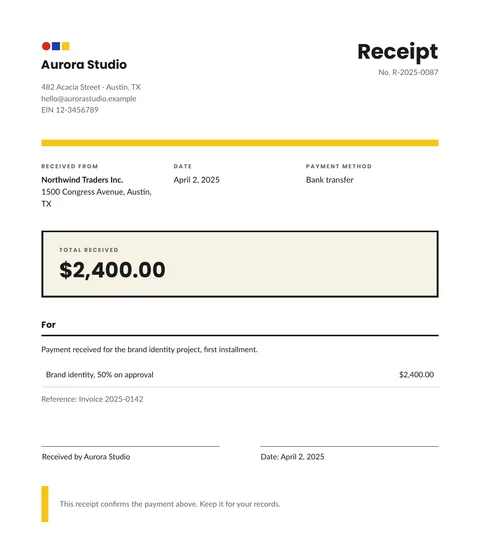
A free receipt template in HTML and CSS with the payer, the date, the method, the amount received and a signature line. Copy it and use your own data.
2 min read
Free templates
Free purchase order template: HTML and PDF you can copy
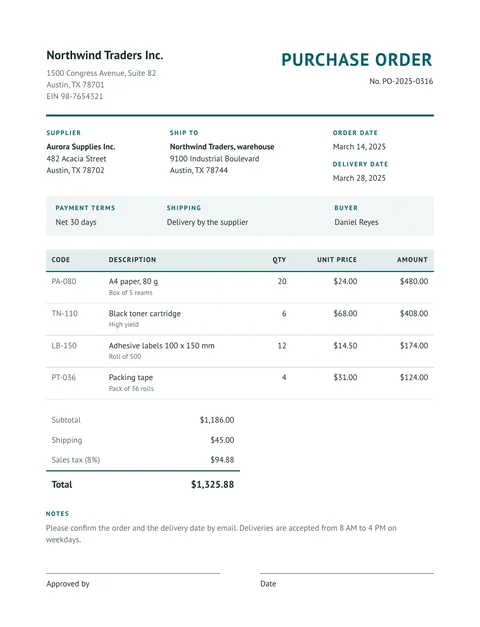
A free purchase order in HTML and CSS: buyer, supplier, delivery address, payment terms, an items table with totals and an approval line. Copy it and use your data.
2 min read
Free templates
Free report template with KPIs, a table and a chart
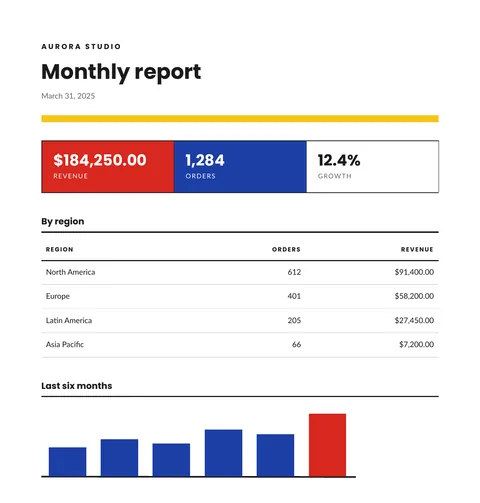
A free monthly report template in HTML and CSS: three KPI tiles, a table by region and a bar chart drawn in SVG. Copy it and send your own data.
2 min read
Free templates
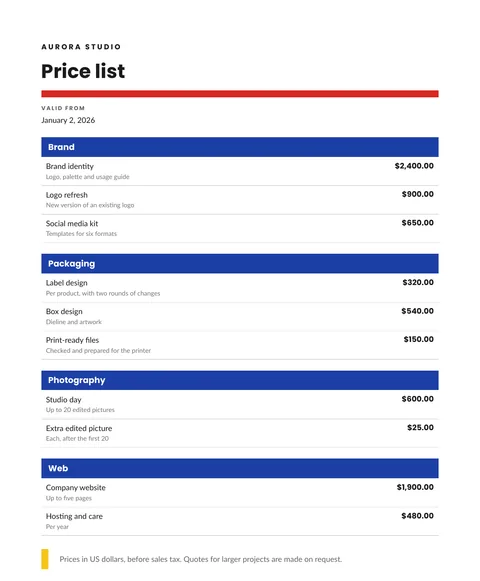
Free price list template: groups, items and prices in PDF
A free price list in HTML and CSS: items grouped by category, a short detail for each, prices in the right currency and a validity date. Copy it and send your data.
2 min read