Free price list template: groups, items and prices in PDF
Published 2 min read
Free template
Use this template for free
Create a free account, make a new template in the Code mode and paste the HTML below. Then send your own data from the API.
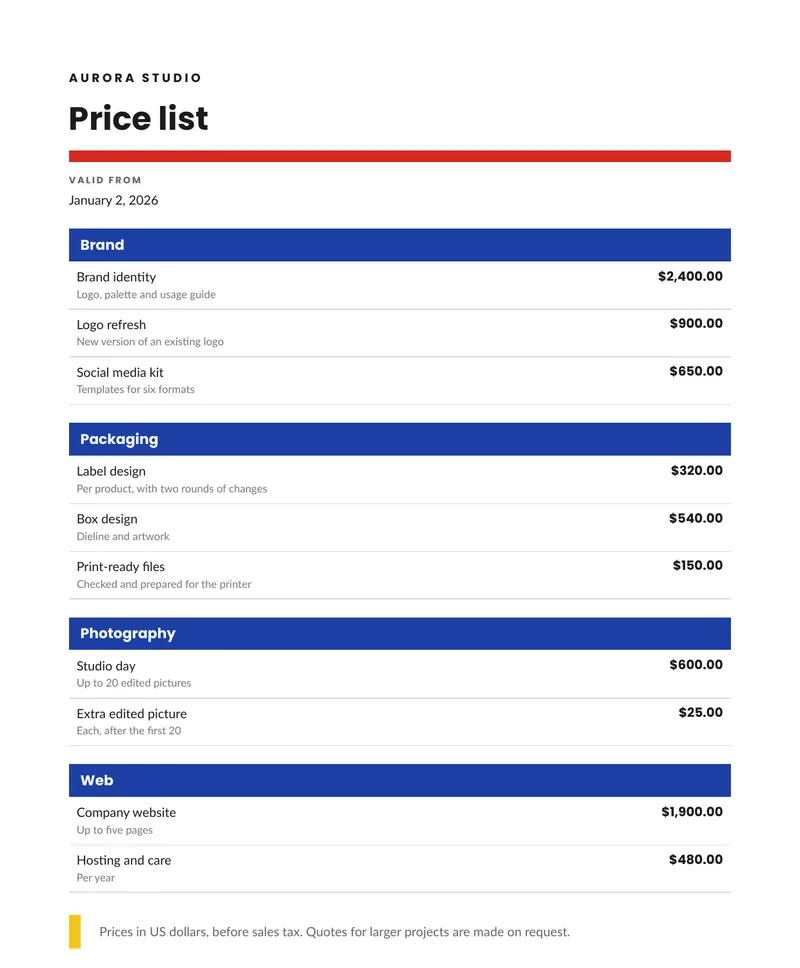
A price list is read by people who want one number. This template makes it easy to find: the items are grouped by category, each has a short detail, and the prices are lined up on the right, in the currency and the format of the reader’s language. It is plain HTML and CSS, so a price list for each market or each client is the same template with a different set of data. Below you can download the sample PDF, copy the code and see the data it takes. The names and prices in the sample are made up.
What is in the template
- The company name and the title, with a colored rule.
- A valid from date, written in the long form of the reader’s language.
- Groups, each with a colored header bar.
- Inside each group, the items: a name, a short detail in smaller type and a price.
- A short note at the end, for example about taxes or about quotes for larger jobs.
How to use it
In the portal. Create a free account, click New template, switch to the Code mode and paste the HTML below. You get a live preview.
From the API. Download the HTML and the sample data and send both in one request. This example
uses jq to put the files in the body:
curl -X POST https://api.rustedf.com/v1/render \ -H "Authorization: Bearer $RUSTEDF_KEY" \ -H "Content-Type: application/json" \ -d "$(jq -n --rawfile html pricelist.html --slurpfile data pricelist-data-en.json \ '{html: $html, data: $data[0], locale: $data[0].locale}')" \ -o pricelist.pdfHow the groups work
The data holds a list of groups, and each group holds a list of items. The template loops over the groups and, inside each, over its items:
{% for group in groups %} <h2>{{ group.name }}</h2> {% for item in group.items %} {{ item.name }} {{ item.price | currency(code=currency) }} {% endfor %}{% endfor %}Add a group or an item to the data and the document grows with it. Send the prices as strings, such
as "2400.00", and the currency filter writes them with the symbol and the separators of the locale.
Long lists
A list that does not fit on one page continues on the next. To keep a group together instead of
splitting it across two pages, put the group in a block with break-inside: avoid. The
guide to page breaks shows how.
Make it yours
- Currency and language. Send another
currency,localeandtfor another market. The same template prints the list in dollars, reais or euros. - Colors and fonts. The red rule and the blue group bars are hex colors in the CSS. The template
names
LatoandPoppins, and any Google Fonts family works by name. - Logo. Add your logo as
<img src="asset:<id>" width="120">after uploading it once. - Validity. The
valid_fromdate tells the reader which version of the list they hold.
See Templates and Locales and formatting.
The template code
<!doctype html>
<html>
  <head>
    <meta charset="utf-8" />
    <style>
      @page { size: A4; margin: 16mm; }
      body { font-family: Lato, sans-serif; font-size: 9.5pt; color: #1b1b1b; line-height: 1.45; }
      h1, h2, .brand, .label { font-family: Poppins, Lato, sans-serif; }
      table { width: 100%; border-collapse: collapse; }
      td, th { vertical-align: top; }
      .muted { color: #666666; }

      .brand { font-size: 9pt; font-weight: bold; letter-spacing: 2pt; text-transform: uppercase; margin: 0 0 4mm 0; }
      h1 { font-size: 24pt; font-weight: bold; margin: 0; line-height: 1.05; }
      .rule { height: 3mm; background: #d72820; margin: 4mm 0 3mm 0; }
      .label { font-size: 7pt; font-weight: bold; letter-spacing: 1.2pt; text-transform: uppercase; color: #666666; margin: 0; }

      h2 { font-size: 10.5pt; font-weight: bold; margin: 5mm 0 0 0; padding: 1.6mm 3mm; background: #1d3fa6; color: #ffffff; }
      .rows td { padding: 1.7mm 2mm; border-bottom: 1px solid #d9d9d9; }
      .rows .price { text-align: right; width: 22%; font-family: Poppins, Lato, sans-serif; font-weight: bold; }
      .rows small { display: block; color: #777777; font-size: 8pt; }

      .note { margin-top: 6mm; border-left: 3mm solid #f5c518; padding: 2mm 0 2mm 5mm; }
    </style>
  </head>
  <body>
    <p class="brand">{{ company }}</p>
    <h1>{{ t.title }}</h1>
    <div class="rule"></div>
    <p class="label">{{ t.valid_from }}</p>
    <p style="margin: 1mm 0 0 0">{{ valid_from | date(style="long") }}</p>

    {% for group in groups %}
    <h2>{{ group.name }}</h2>
    <table class="rows">
      <tbody>
        {% for item in group.items %}
        <tr>
          <td>{{ item.name }}<small>{{ item.detail }}</small></td>
          <td class="price">{{ item.price | currency(code=currency) }}</td>
        </tr>
        {% endfor %}
      </tbody>
    </table>
    {% endfor %}

    <div class="note">
      <p class="muted" style="margin: 0">{{ note }}</p>
    </div>
  </body>
</html>
The sample data
{
  "locale": "en-US",
  "currency": "USD",
  "company": "Aurora Studio",
  "valid_from": "2026-01-02",
  "groups": [
    {
      "name": "Brand",
      "items": [
        { "name": "Brand identity", "detail": "Logo, palette and usage guide", "price": "2400.00" },
        { "name": "Logo refresh", "detail": "New version of an existing logo", "price": "900.00" },
        { "name": "Social media kit", "detail": "Templates for six formats", "price": "650.00" }
      ]
    },
    {
      "name": "Packaging",
      "items": [
        { "name": "Label design", "detail": "Per product, with two rounds of changes", "price": "320.00" },
        { "name": "Box design", "detail": "Dieline and artwork", "price": "540.00" },
        { "name": "Print-ready files", "detail": "Checked and prepared for the printer", "price": "150.00" }
      ]
    },
    {
      "name": "Photography",
      "items": [
        { "name": "Studio day", "detail": "Up to 20 edited pictures", "price": "600.00" },
        { "name": "Extra edited picture", "detail": "Each, after the first 20", "price": "25.00" }
      ]
    },
    {
      "name": "Web",
      "items": [
        { "name": "Company website", "detail": "Up to five pages", "price": "1900.00" },
        { "name": "Hosting and care", "detail": "Per year", "price": "480.00" }
      ]
    }
  ],
  "note": "Prices in US dollars, before sales tax. Quotes for larger projects are made on request.",
  "t": {
    "title": "Price list",
    "valid_from": "Valid from"
  }
}Keep reading
Free templates
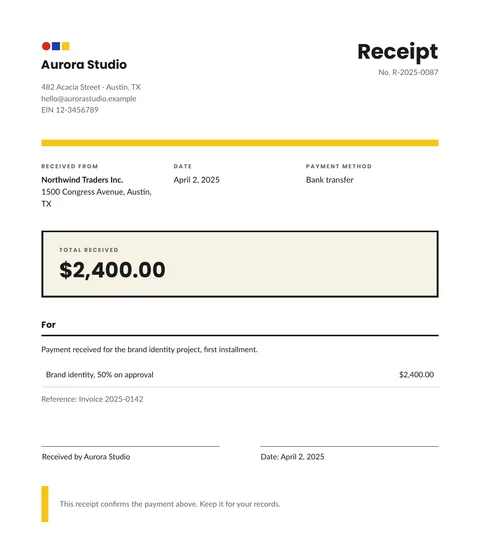
Free receipt template: HTML and PDF you can copy
A free receipt template in HTML and CSS with the payer, the date, the method, the amount received and a signature line. Copy it and use your own data.
2 min read
Free templates
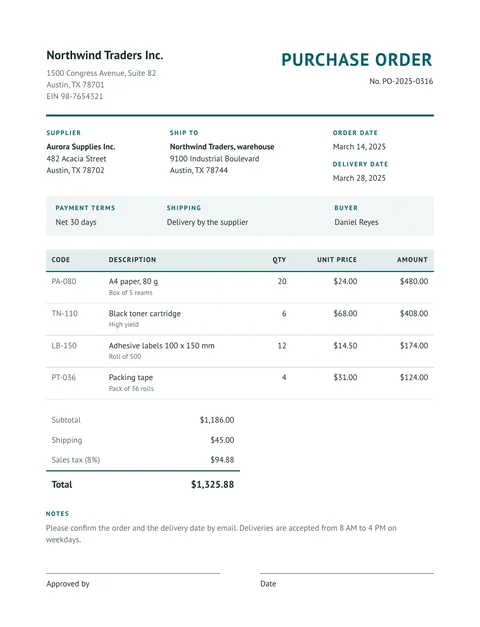
Free purchase order template: HTML and PDF you can copy
A free purchase order in HTML and CSS: buyer, supplier, delivery address, payment terms, an items table with totals and an approval line. Copy it and use your data.
2 min read
Free templates
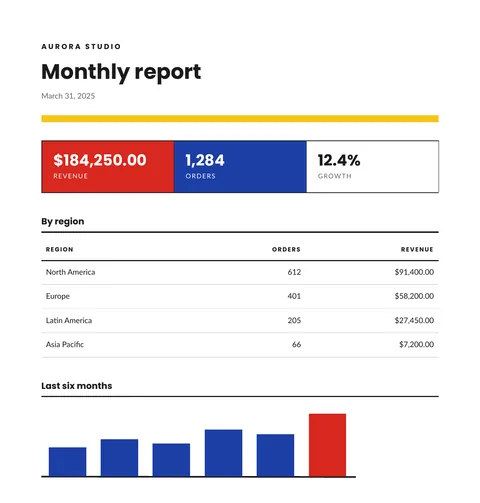
Free report template with KPIs, a table and a chart
A free monthly report template in HTML and CSS: three KPI tiles, a table by region and a bar chart drawn in SVG. Copy it and send your own data.
2 min read
Free templates
Free delivery note template: HTML and PDF you can copy
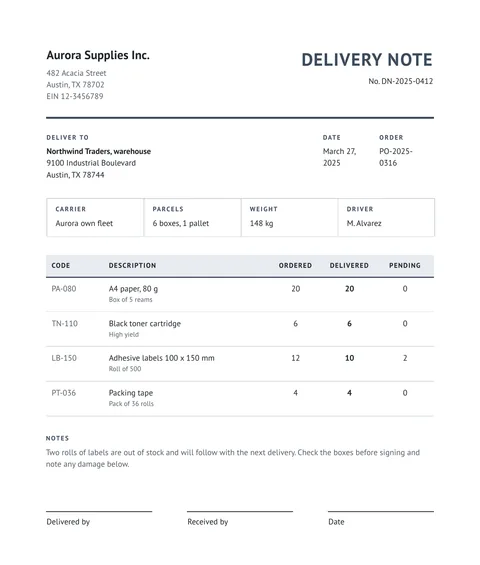
A free delivery note in HTML and CSS: sender, recipient, carrier, ordered, delivered and pending quantities, and three signature lines. Copy it and use your data.
3 min read