Free delivery note template: HTML and PDF you can copy
Published 3 min read
Free template
Use this template for free
Create a free account, make a new template in the Code mode and paste the HTML below. Then send your own data from the API.
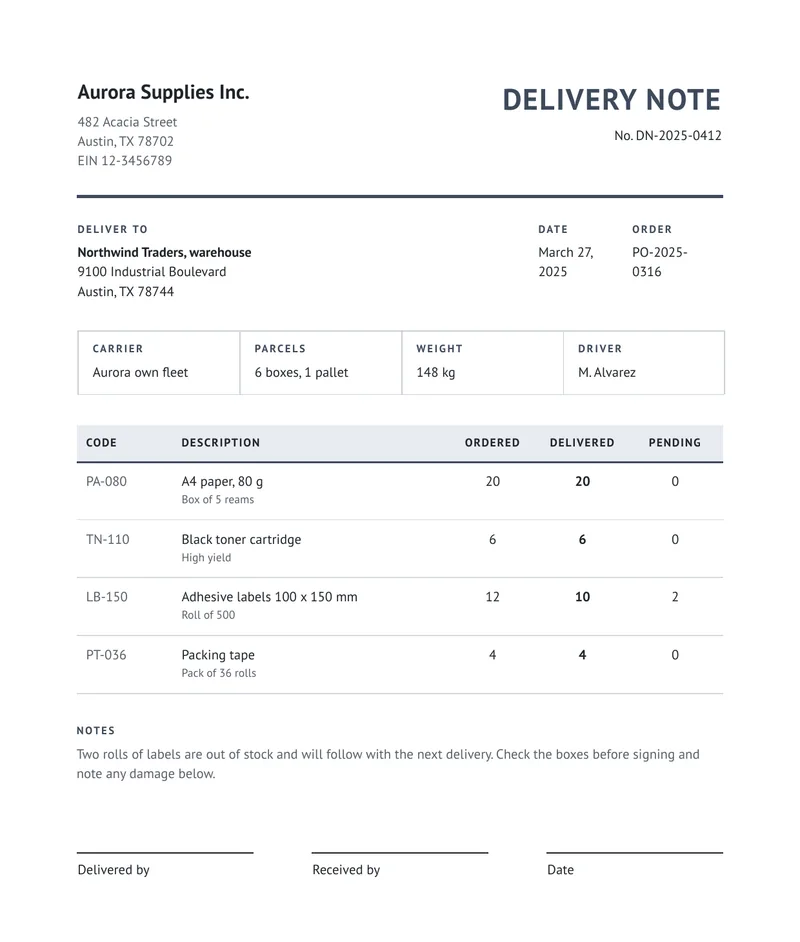
A delivery note travels with the goods and records what was delivered: what, how many, to whom, by whom and who received it. It carries no prices. This one is a clean, neutral layout in HTML and CSS, with the sender, the recipient, the order it answers, the carrier, the parcels and the weight, a table of ordered, delivered and pending quantities, a notes paragraph and three signature lines. Below you can download the sample PDF, copy the code and see the data it takes.
What is in the template
- The sender’s company block with name, address and tax number, and the title and number of the note.
- The recipient and the delivery address, the date and the order the delivery answers.
- A box with the carrier, the parcels, the weight and the driver.
- A table with a code, a description and three quantities: ordered, delivered and pending. The header row repeats if the table runs onto another page.
- A notes paragraph, for example about an item that will follow.
- Three signature lines: who delivered, who received and the date.
How to use it
In the portal. Create a free account, click New template, switch to the Code mode and paste the HTML below. You get a live preview.
From the API. Download the HTML and the sample data and send both in one request. This example uses jq to put the files in the body:
curl -X POST https://api.rustedf.com/v1/render \ -H "Authorization: Bearer $RUSTEDF_KEY" \ -H "Content-Type: application/json" \ -d "$(jq -n --rawfile html delivery-note.html --slurpfile data delivery-note-data-en.json \ '{html: $html, data: $data[0], locale: $data[0].locale}')" \ -o delivery-note.pdfOnce you like the result, save the HTML as a template and call it by its id from your code.
How the pending column works
The template computes it from the two quantities, with a set before each row:
{% set pending = item.ordered - item.delivered %}<td>{{ pending | number }}</td>Because the value is worked out in the template, the data cannot get out of step with itself.
Make it yours
- Look. The only color is a slate blue,
#3d4a5c, used for the title, the rules and the labels, with grays for the rest. Change that one value in the CSS and the document follows. - Quantities. Send
orderedanddeliveredas numbers. The template works out the pending quantity itself, so it is always the difference of the two. - No prices. A delivery note usually has none. If yours must show them, add a column and a total the way the purchase order template does.
- Logo. Add your logo as
<img src="asset:<id>" width="120">after uploading a PNG or JPEG once. - Fonts. The template names
PT Sans, and any Google Fonts family works by name; there is nothing to link. - Language. Every label comes from the
tobject of the data, so the same template issues documents in any language you can write.
A note on what a delivery note is
A delivery note is not a tax document and does not replace an invoice. In some countries goods in transit must carry specific fiscal documents. Check what applies to you before you rely on it.
See Templates and Locales and formatting.
The template code
<!doctype html>
<html>
  <head>
    <meta charset="utf-8" />
    <style>
      @page { size: A4; margin: 18mm; }
      body { font-family: "PT Sans", sans-serif; font-size: 10pt; color: #20252b; line-height: 1.45; }
      table { width: 100%; border-collapse: collapse; }
      td, th { vertical-align: top; }
      p { margin: 0; }
      .muted { color: #596069; }
      .right { text-align: right; }
      .center { text-align: center; }

      .name { font-size: 15pt; font-weight: bold; margin-bottom: 1.5mm; }
      .kind { font-size: 22pt; font-weight: bold; text-align: right; color: #3d4a5c; text-transform: uppercase; letter-spacing: 1pt; }
      .ref { text-align: right; margin-top: 1.5mm; }
      .rule { border-top: 3px solid #3d4a5c; margin: 6mm 0 6mm 0; }

      .label { font-size: 8pt; font-weight: bold; letter-spacing: 1.2pt; text-transform: uppercase; color: #3d4a5c; margin-bottom: 1.5mm; }
      .parties td { width: 33.3%; padding-right: 6mm; }

      .info { margin-top: 7mm; border: 1px solid #c9ced6; }
      .info td { width: 25%; padding: 3mm 4mm; border-right: 1px solid #c9ced6; }
      .info td:last-child { border-right: 0; }

      .items { margin-top: 8mm; }
      .items th { background: #e8ebf0; text-align: left; font-size: 8.5pt; text-transform: uppercase; letter-spacing: 0.8pt; padding: 2.4mm 2.5mm; border-bottom: 2px solid #3d4a5c; }
      .items th.center { text-align: center; }
      .items td { padding: 2.8mm 2.5mm; border-bottom: 1px solid #d5d9df; }
      .items small { display: block; color: #596069; font-size: 8.5pt; }

      .notes { margin-top: 8mm; }
      .sign { margin-top: 18mm; }
      .sign td { width: 30%; padding-top: 2mm; border-top: 1px solid #20252b; }
      .sign .gap { width: 5%; border-top: 0; }
    </style>
  </head>
  <body>
    <table>
      <tr>
        <td style="width: 55%">
          <p class="name">{{ company.name }}</p>
          <p class="muted">{{ company.line1 }}<br />{{ company.line2 }}<br />{{ company.tax }}</p>
        </td>
        <td>
          <p class="kind">{{ t.title }}</p>
          <p class="ref">{{ t.number }} {{ number }}</p>
        </td>
      </tr>
    </table>

    <div class="rule"></div>

    <table class="parties">
      <tr>
        <td>
          <p class="label">{{ t.deliver_to }}</p>
          <p><strong>{{ customer.name }}</strong><br />{{ customer.line1 }}<br />{{ customer.line2 }}</p>
        </td>
        <td>
          <p class="label">{{ t.issued }}</p>
          <p>{{ issued | date(style="long") }}</p>
        </td>
        <td>
          <p class="label">{{ t.order }}</p>
          <p>{{ order }}</p>
        </td>
      </tr>
    </table>

    <table class="info">
      <tr>
        <td><p class="label">{{ t.carrier }}</p><p>{{ carrier }}</p></td>
        <td><p class="label">{{ t.parcels }}</p><p>{{ parcels }}</p></td>
        <td><p class="label">{{ t.weight }}</p><p>{{ weight }}</p></td>
        <td><p class="label">{{ t.driver }}</p><p>{{ driver }}</p></td>
      </tr>
    </table>

    <table class="items">
      <thead>
        <tr>
          <th style="width: 14%">{{ t.code }}</th>
          <th style="width: 46%">{{ t.description }}</th>
          <th class="center" style="width: 13%">{{ t.ordered }}</th>
          <th class="center" style="width: 13%">{{ t.delivered }}</th>
          <th class="center" style="width: 14%">{{ t.pending }}</th>
        </tr>
      </thead>
      <tbody>
        {% for item in items %}
        {% set pending = item.ordered - item.delivered %}
        <tr>
          <td class="muted">{{ item.code }}</td>
          <td>{{ item.name }}<small>{{ item.detail }}</small></td>
          <td class="center">{{ item.ordered | number }}</td>
          <td class="center"><strong>{{ item.delivered | number }}</strong></td>
          <td class="center">{{ pending | number }}</td>
        </tr>
        {% endfor %}
      </tbody>
    </table>

    <div class="notes">
      <p class="label">{{ t.notes }}</p>
      <p class="muted">{{ notes }}</p>
    </div>

    <table class="sign">
      <tr>
        <td>{{ t.delivered_by }}</td>
        <td class="gap"></td>
        <td>{{ t.received_by }}</td>
        <td class="gap"></td>
        <td>{{ t.date }}</td>
      </tr>
    </table>
  </body>
</html>
The sample data
{
  "locale": "en-US",
  "number": "DN-2025-0412",
  "issued": "2025-03-27",
  "order": "PO-2025-0316",
  "carrier": "Aurora own fleet",
  "parcels": "6 boxes, 1 pallet",
  "weight": "148 kg",
  "driver": "M. Alvarez",
  "company": {
    "name": "Aurora Supplies Inc.",
    "line1": "482 Acacia Street",
    "line2": "Austin, TX 78702",
    "tax": "EIN 12-3456789"
  },
  "customer": {
    "name": "Northwind Traders, warehouse",
    "line1": "9100 Industrial Boulevard",
    "line2": "Austin, TX 78744"
  },
  "items": [
    { "code": "PA-080", "name": "A4 paper, 80 g", "detail": "Box of 5 reams", "ordered": 20, "delivered": 20 },
    { "code": "TN-110", "name": "Black toner cartridge", "detail": "High yield", "ordered": 6, "delivered": 6 },
    { "code": "LB-150", "name": "Adhesive labels 100 x 150 mm", "detail": "Roll of 500", "ordered": 12, "delivered": 10 },
    { "code": "PT-036", "name": "Packing tape", "detail": "Pack of 36 rolls", "ordered": 4, "delivered": 4 }
  ],
  "notes": "Two rolls of labels are out of stock and will follow with the next delivery. Check the boxes before signing and note any damage below.",
  "t": {
    "title": "Delivery note",
    "number": "No.",
    "deliver_to": "Deliver to",
    "issued": "Date",
    "order": "Order",
    "carrier": "Carrier",
    "parcels": "Parcels",
    "weight": "Weight",
    "driver": "Driver",
    "code": "Code",
    "description": "Description",
    "ordered": "Ordered",
    "delivered": "Delivered",
    "pending": "Pending",
    "notes": "Notes",
    "delivered_by": "Delivered by",
    "received_by": "Received by",
    "date": "Date"
  }
}Keep reading
Free templates
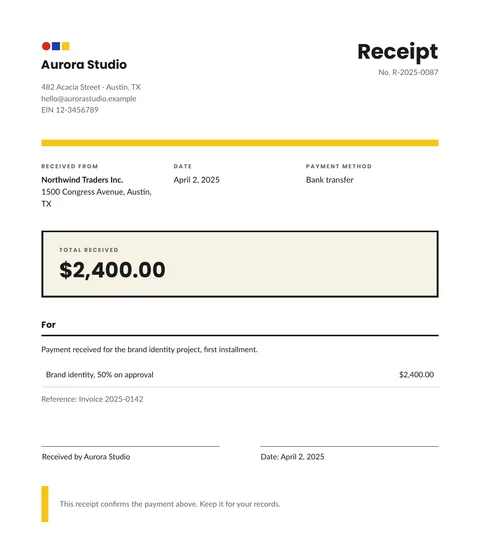
Free receipt template: HTML and PDF you can copy
A free receipt template in HTML and CSS with the payer, the date, the method, the amount received and a signature line. Copy it and use your own data.
2 min read
Free templates
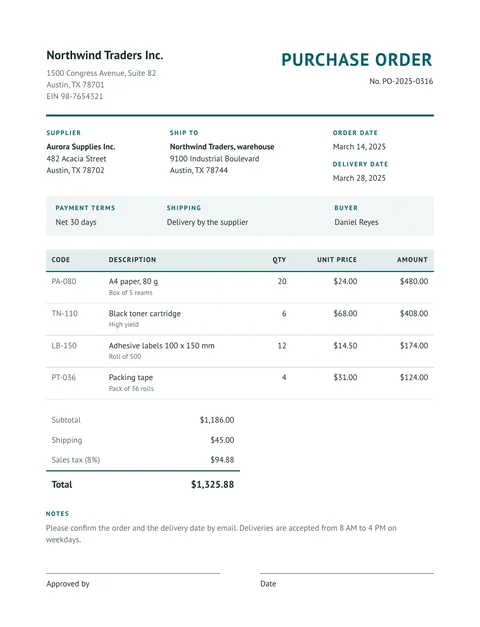
Free purchase order template: HTML and PDF you can copy
A free purchase order in HTML and CSS: buyer, supplier, delivery address, payment terms, an items table with totals and an approval line. Copy it and use your data.
2 min read
Free templates
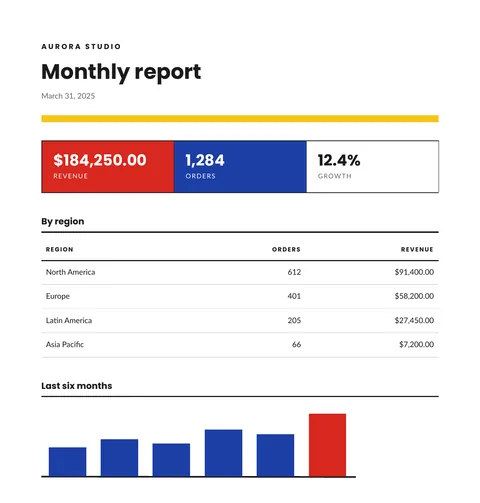
Free report template with KPIs, a table and a chart
A free monthly report template in HTML and CSS: three KPI tiles, a table by region and a bar chart drawn in SVG. Copy it and send your own data.
2 min read
Free templates
Free price list template: groups, items and prices in PDF
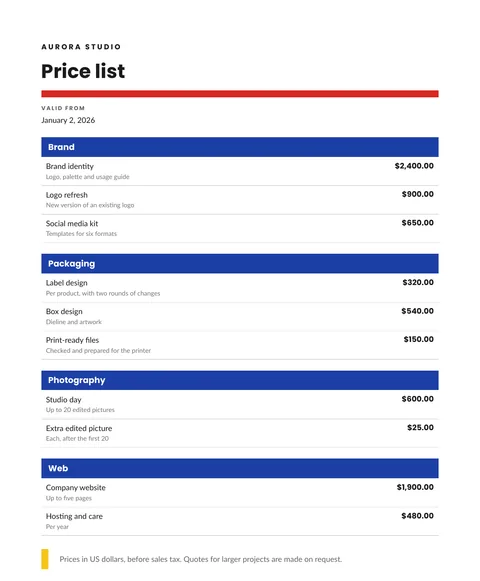
A free price list in HTML and CSS: items grouped by category, a short detail for each, prices in the right currency and a validity date. Copy it and send your data.
2 min read