Free shipping label template: HTML and PDF to copy
Published 2 min read
Free template
Use this template for free
Create a free account, make a new template in the Code mode and paste the HTML below. Then send your own data from the API.
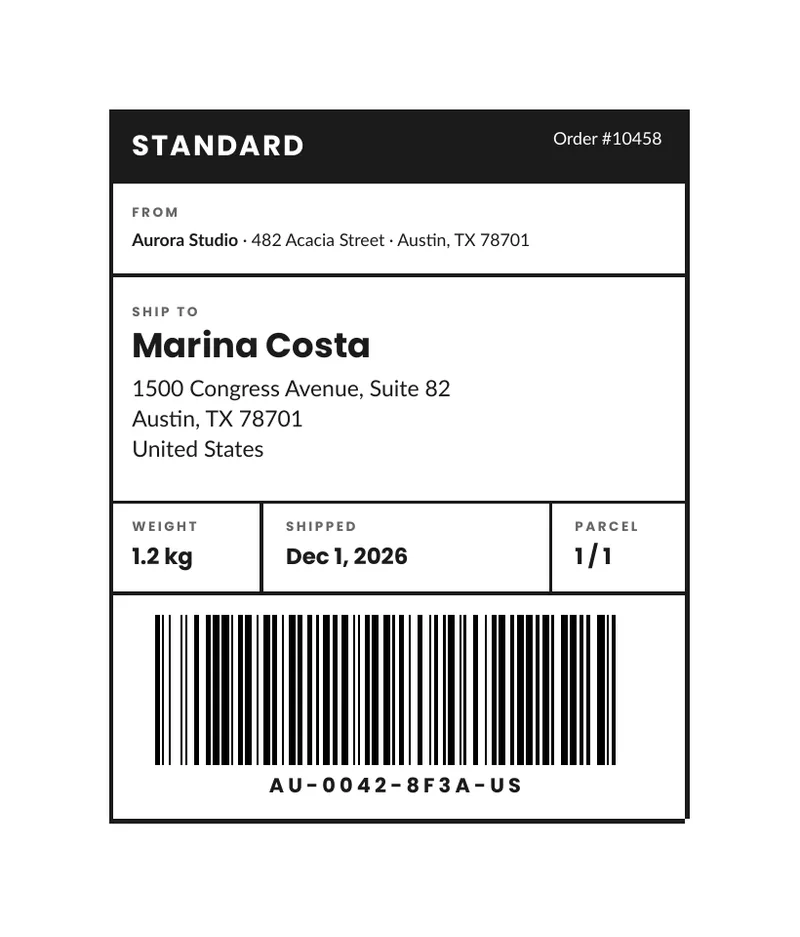
A parcel needs a label that people and scanners can read at a glance. This one is a plain shipping label in HTML and CSS: who sends it, who receives it, how heavy it is, when it left, and a barcode of the tracking code. You send the data of one parcel and get one label as a PDF. Below you can download the sample PDF, copy the code and see the data it takes.
What is in the template
- A dark header with the service (for example Standard) and the order number.
- The sender, in small type, on one line.
- The recipient, in large type: name, street, city and country.
- A row with the weight, the shipping date and the parcel count, such as 1 of 1.
- A Code 128 barcode of the tracking code, with the code written under it.
How to use it
In the portal. Create a free account, click New template, switch to the Code mode and paste the HTML below. You get a live preview.
From the API. Download the HTML and the sample data and send both in one request. This example
uses jq to put the files in the body:
curl -X POST https://api.rustedf.com/v1/render \ -H "Authorization: Bearer $RUSTEDF_KEY" \ -H "Content-Type: application/json" \ -d "$(jq -n --rawfile html label.html --slurpfile data label-data-en.json \ '{html: $html, data: $data[0], locale: $data[0].locale}')" \ -o label.pdfEach label is one render with the data of one parcel. For an order with several parcels, send one
request per parcel with the right parcels value, such as 2 / 3.
The barcode
{{ tracking | barcode(width=88, height=26) | safe }}The barcode is Code 128. It holds up to 80 letters, digits and punctuation, without accents, so
the tracking code must be plain text such as AU-0042-8F3A-US. A value that cannot be held is an
error, not a barcode that fails to scan, and an empty value draws nothing. The
guide to QR codes and barcodes has the sizes and limits.
What this label is and is not
This is a generic label for your own use, for example to identify parcels in a warehouse or to attach to a parcel you hand to a courier. Carriers that issue their own labels require their own format and codes, and those labels come from them. Use this one for what it is, and check what your carrier accepts.
Make it yours
- Size. The sample draws a label 100 mm wide on an A4 page, which you can print on a sheet and cut
or stick. For a label printer, change the
@pagerule to the size of your labels, and print a test. - Fields. Add or remove rows of the info line, such as a reference or a customs value, by editing the table in the template.
- Colors and fonts. The header is a dark color in the CSS. The template names
LatoandPoppins, and any Google Fonts family works by name. - Language. The labels come from the
tobject, so the same template prints labels in any language you can write.
See Templates and Supported HTML and CSS.
The template code
<!doctype html>
<html>
  <head>
    <meta charset="utf-8" />
    <style>
      @page { size: A4; margin: 16mm; }
      body { font-family: Lato, sans-serif; font-size: 9.5pt; color: #1b1b1b; line-height: 1.4; }
      h1, .tag, .label, .code { font-family: Poppins, Lato, sans-serif; }
      table { border-collapse: collapse; }
      td { vertical-align: top; }

      .box { width: 100mm; border: 3px solid #1b1b1b; }
      .head td { background: #1b1b1b; color: #ffffff; padding: 3mm 4mm; }
      .tag { font-size: 14pt; font-weight: bold; letter-spacing: 1pt; text-transform: uppercase; }
      .order { text-align: right; font-size: 8.5pt; padding-top: 4.5mm; }

      .cell { padding: 3.5mm 4mm; border-bottom: 2px solid #1b1b1b; }
      .label { font-size: 6.5pt; font-weight: bold; letter-spacing: 1.2pt; text-transform: uppercase; color: #666666; margin: 0 0 1mm 0; }
      .from { font-size: 8.5pt; margin: 0; }
      h1 { font-size: 17pt; font-weight: bold; line-height: 1.1; margin: 0 0 1.5mm 0; }
      .to { font-size: 11pt; margin: 0; line-height: 1.35; }

      .info td { padding: 3mm 4mm; border-bottom: 2px solid #1b1b1b; width: 33.3%; }
      .info td + td { border-left: 2px solid #1b1b1b; }
      .value { font-family: Poppins, Lato, sans-serif; font-size: 11pt; font-weight: bold; margin: 0; }

      .bars { padding: 4mm 4mm 3mm 4mm; text-align: center; }
      .code { font-size: 10pt; font-weight: bold; letter-spacing: 2pt; margin: 1.5mm 0 0 0; }
    </style>
  </head>
  <body>
    <table class="box">
      <tr class="head">
        <td colspan="1"><span class="tag">{{ service }}</span></td>
        <td class="order">{{ t.order }} {{ order }}</td>
      </tr>
      <tr>
        <td class="cell" colspan="2">
          <p class="label">{{ t.from }}</p>
          <p class="from"><strong>{{ sender.name }}</strong> · {{ sender.line1 }} · {{ sender.line2 }}</p>
        </td>
      </tr>
      <tr>
        <td class="cell" colspan="2" style="padding-top: 5mm; padding-bottom: 6mm">
          <p class="label">{{ t.to }}</p>
          <h1>{{ recipient.name }}</h1>
          <p class="to">{{ recipient.line1 }}<br />{{ recipient.line2 }}<br />{{ recipient.line3 }}</p>
        </td>
      </tr>
      <tr>
        <td colspan="2" style="padding: 0">
          <table class="info" style="width: 100%">
            <tr>
              <td><p class="label">{{ t.weight }}</p><p class="value">{{ weight }}</p></td>
              <td><p class="label">{{ t.date }}</p><p class="value">{{ shipped | date(style="medium") }}</p></td>
              <td><p class="label">{{ t.parcels }}</p><p class="value">{{ parcels }}</p></td>
            </tr>
          </table>
        </td>
      </tr>
      <tr>
        <td class="bars" colspan="2">
          {{ tracking | barcode(width=88, height=26) | safe }}
          <p class="code">{{ tracking }}</p>
        </td>
      </tr>
    </table>
  </body>
</html>
The sample data
{
  "locale": "en-US",
  "service": "Standard",
  "order": "#10458",
  "sender": {
    "name": "Aurora Studio",
    "line1": "482 Acacia Street",
    "line2": "Austin, TX 78701"
  },
  "recipient": {
    "name": "Marina Costa",
    "line1": "1500 Congress Avenue, Suite 82",
    "line2": "Austin, TX 78701",
    "line3": "United States"
  },
  "weight": "1.2 kg",
  "shipped": "2026-12-01",
  "parcels": "1 / 1",
  "tracking": "AU-0042-8F3A-US",
  "t": {
    "order": "Order",
    "from": "From",
    "to": "Ship to",
    "weight": "Weight",
    "date": "Shipped",
    "parcels": "Parcel"
  }
}Keep reading
Free templates
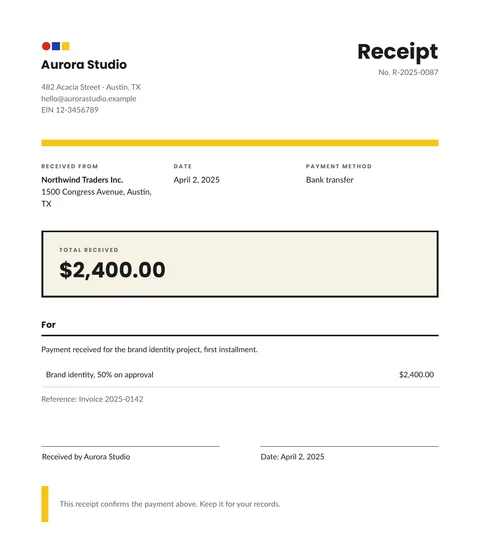
Free receipt template: HTML and PDF you can copy
A free receipt template in HTML and CSS with the payer, the date, the method, the amount received and a signature line. Copy it and use your own data.
2 min read
Free templates
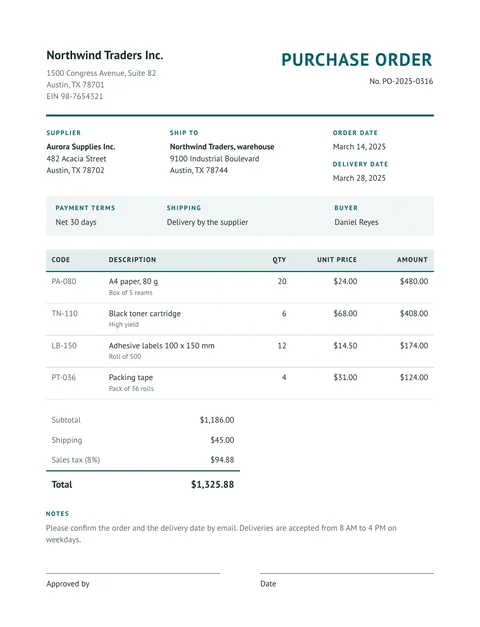
Free purchase order template: HTML and PDF you can copy
A free purchase order in HTML and CSS: buyer, supplier, delivery address, payment terms, an items table with totals and an approval line. Copy it and use your data.
2 min read
Free templates
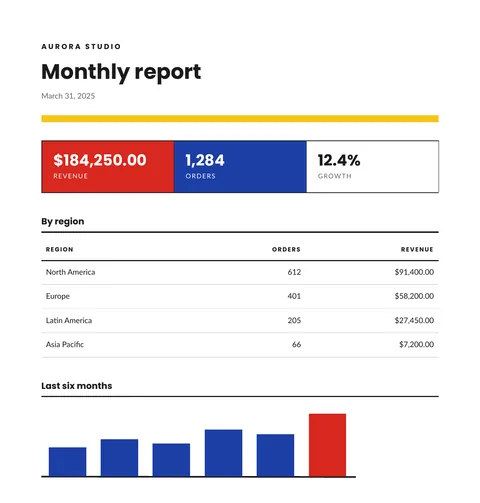
Free report template with KPIs, a table and a chart
A free monthly report template in HTML and CSS: three KPI tiles, a table by region and a bar chart drawn in SVG. Copy it and send your own data.
2 min read
Free templates
Free price list template: groups, items and prices in PDF
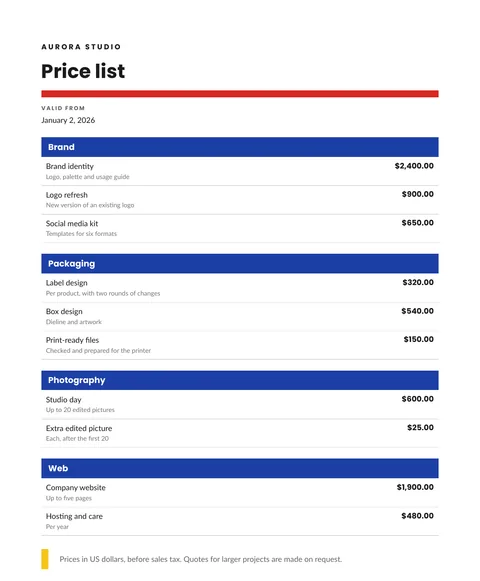
A free price list in HTML and CSS: items grouped by category, a short detail for each, prices in the right currency and a validity date. Copy it and send your data.
2 min read