Google Fonts in a PDF: use font-family without @font-face
Published 3 min read
A PDF carries its fonts inside the file, so a document looks the same on every screen and
printer. On a web page you pick a font by linking a stylesheet or writing @font-face. In the
rustedf.cloud renderer you do neither: you name the family in CSS, and the service finds it.
Name the family
body { font-family: "Lato", sans-serif; }h1 { font-family: "Playfair Display", serif; }Any family from Google Fonts works. The service reads the family
names in your template and makes the fonts available, so you do not link the Google Fonts
stylesheet or write @font-face, and an @import copied from its embed snippet is ignored.
End the list with a generic family such as sans-serif or serif, as you would on the web. If
the family is not found, a built-in font is used in its place.
What happens the first time
The first document that uses a family waits a moment while the font is fetched. After that it is cached for everyone, so the next render is as fast as with any other font. A few rules follow from that:
- The version is fixed. Font files come from a fixed version of the Google Fonts collection, so a document looks the same today and next year.
- Names are forgiving. Families are matched by name, ignoring case, spaces and punctuation,
so
Playfair Displayandplayfairdisplayare the same family. - There is an hourly allowance. Each account can bring in 30 new families an hour, and families already cached cost nothing. Past that, the document still renders, with a built-in font in place of the new one.
- The font travels with the PDF. Whatever font a document uses is embedded in the file.
In practice this only matters if you render many documents with many different families at once, for example when each customer chooses a font. A fixed brand font is fetched once and stays.
The built-in fonts
Every document also has a base set: Liberation, DejaVu, and Noto for Arabic, Hebrew, Devanagari, Thai and other scripts. Liberation is metric-compatible with Arial, Times New Roman and Courier New, so a layout written for those fonts keeps its line breaks and page breaks.
The built-in fonts are the fallback when a family is not found, and they cover text that your chosen font has no glyphs for. A font with no Arabic letters in it, for example, will still show Arabic text in a built-in Noto font.
Bold and italic
For families published with a separate file for each style, such as Lato, Poppins, Fira Sans, Ubuntu and Barlow, every weight and italic they offer is available.
About a third of the Google families are published only as variable fonts, a single file that
covers a range of weights. Inter, Roboto, Open Sans and Montserrat are among them. The service
draws the instance that each style asks for, so font-weight and font-style behave the same
in these families as in the others:
h2 { font-family: "Inter", sans-serif; font-weight: 600; }em { font-style: italic; }What does not work
@font-faceand@import. Both are ignored and reported. Name the family instead.- Your own font files. A font that is not on Google Fonts is not supported yet. If a document must use one, check that a Google family close to it exists.
Check it
Send the document to POST /v1/validate. It lists what the service could not use, including
text in a script that no available font covers (TextShapingFailed), and it returns no PDF and
takes no credit. Then open the rendered PDF and look at its properties in your reader: the fonts
it embeds are listed there.
Read Fonts, Locales and formatting and Supported HTML and CSS.
Keep reading
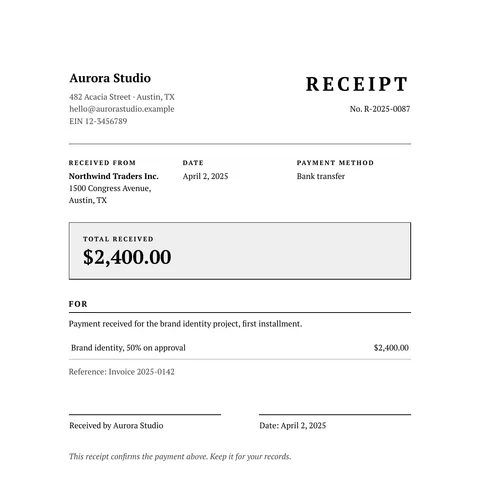
More styles
Free classic receipt template: black and white, HTML to PDF
A free classic receipt in HTML and CSS: serif type, a double frame, the payer, the amount received and a signature line. Copy it and use your own data.
2 min read
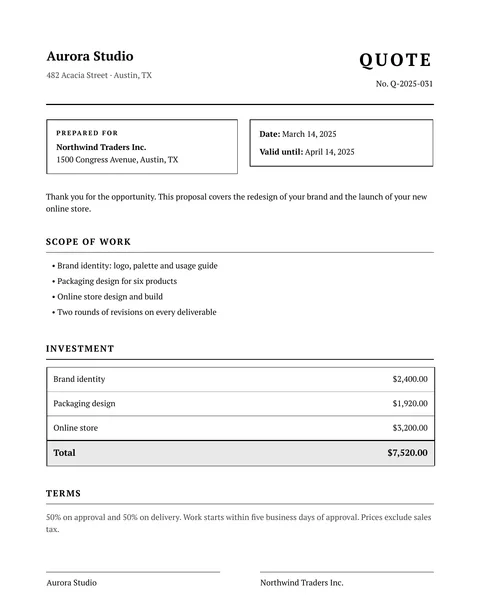
More styles
Free classic quote template: black and white, HTML to PDF
A free classic quote in HTML and CSS: serif type, black and white, scope of work, a price table, terms and signature lines. Copy it and use your own data.
2 min read
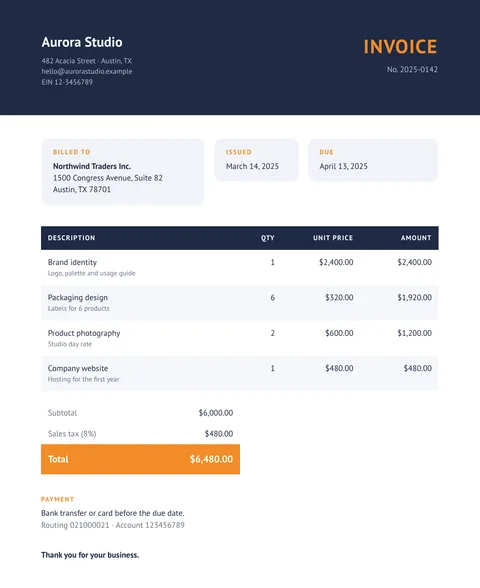
More styles
Free modern invoice template with a colored header, HTML to PDF
A free modern invoice in HTML and CSS: a dark header band, rounded cards, striped rows and an accent color for the total. Copy it and use your data.
2 min read
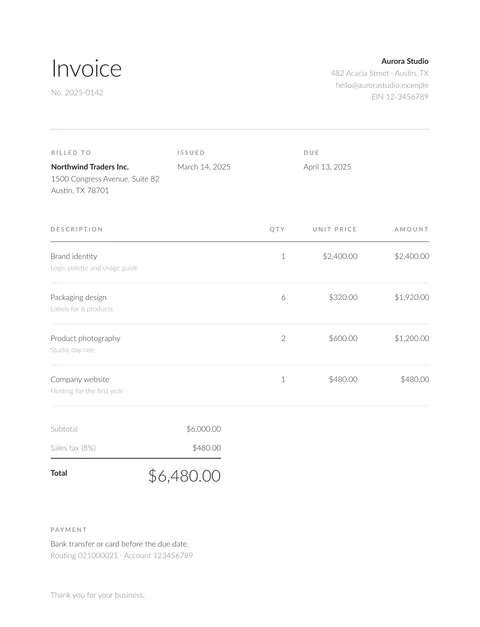
More styles
Free minimal invoice template: clean and simple, HTML to PDF
A free minimal invoice in HTML and CSS: light type, white space and hairlines, with no color at all. Copy the code and fill it with your own data.
2 min read